
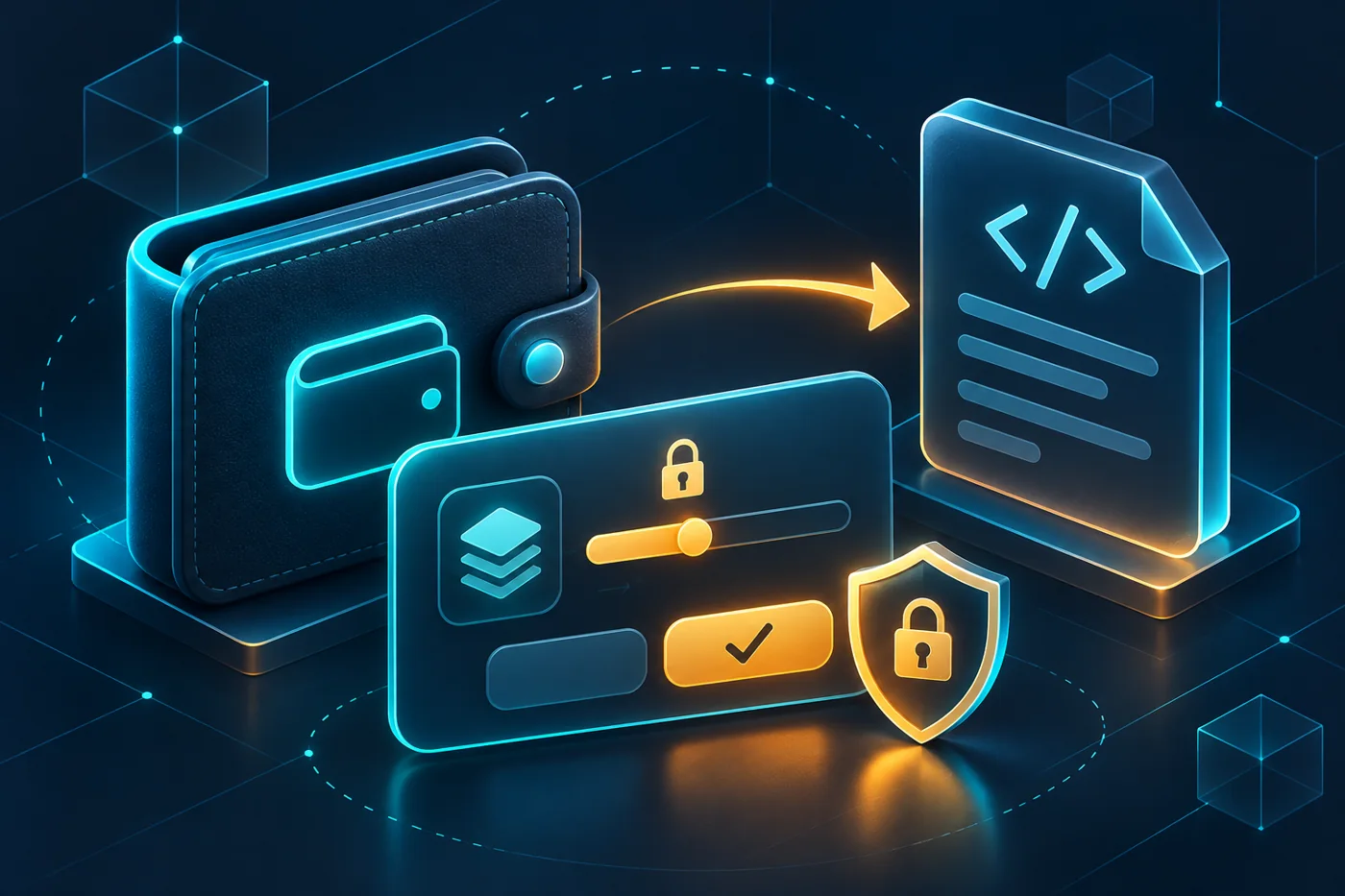
Token approvals let another address spend a specified token from your wallet. They make decentralized exchanges and other applications work, but they can also leave permissions active long after you finish using a service. Understanding what you authorize is a basic part of using a self-custody wallet.
This guide focuses on Ethereum and compatible EVM networks. Other blockchains use different permission models. It explains the distinction between connecting a wallet, signing a message and approving token spending, then gives you a repeatable review process. None of these checks makes an unfamiliar application trustworthy by itself.
What token approvals actually authorize
Under the ERC-20 standard, an owner can approve a spender for an amount of a particular token. The spender can then use the token contract’s transferFrom function within that allowance. The permission is specific to the token contract, owner and spender on that network; it does not automatically grant access to every asset you hold.
Imagine an exchange needs to spend 25 units of a token for a swap. A 25-unit allowance gives it that spending capacity. An unlimited allowance provides much broader continuing access to that token balance. The approval transaction and the actual swap are separate actions, so an approval can remain even if you abandon the swap.
The spender may be a router, vault or other contract rather than the website name shown in your browser. A familiar-looking interface therefore does not establish who receives permission. Your wallet should help you inspect the spender address, token, network and amount before you confirm.
Connection, approval and signature are different
| Action | What it usually does | What to check |
|---|---|---|
| Connect wallet | Shares the selected public address and enables requests | Site origin, selected account and network |
| Approve token | Sets an on-chain spending allowance | Token, spender and maximum amount |
| Sign message | Signs the displayed data or structured request | Purpose, domain, expiry and permission scope |
| Disconnect | Ends the application’s wallet connection | Separate on-chain allowances may remain |
A wallet connection is not the same as handing over your recovery phrase. Even so, a connected address can expose public transaction history, and a malicious site can request dangerous actions. Read our explanation of public and private keys before treating every wallet prompt as a routine login.
Signatures deserve particular attention. ERC-2612 permits allow supported tokens to change allowances through signed messages submitted on-chain by another party. A prompt that charges no gas can still authorize something valuable. Do not use the absence of a transaction fee as your safety test.
Why disconnecting does not revoke an allowance
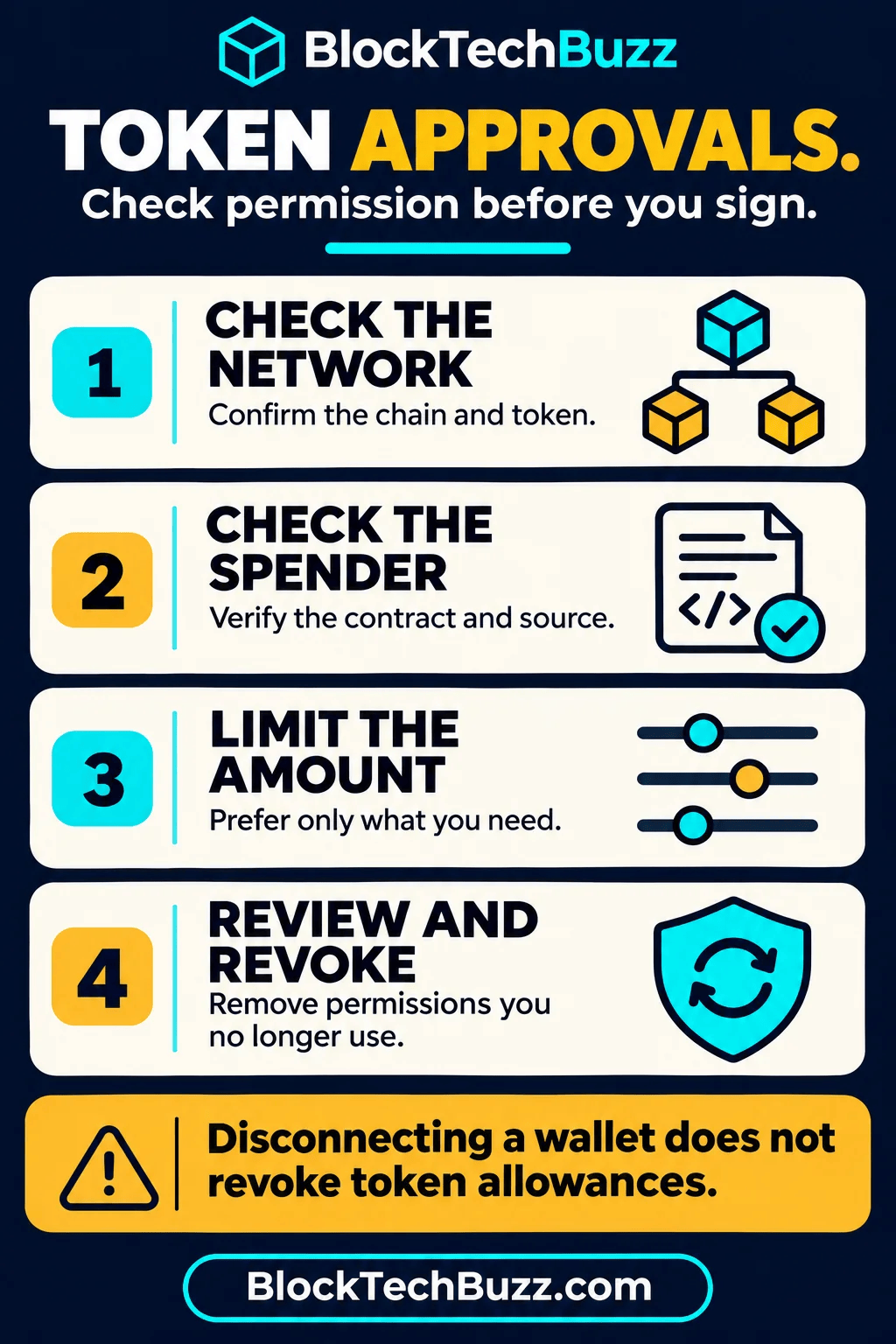
A site’s connection settings and a token contract’s allowance records live in different places. Removing a connected application from your wallet does not, by itself, change the blockchain’s allowance state. Ethereum’s revocation guide explicitly distinguishes these actions.
This matters when you stop using a service, switch accounts or hear about an exploit. Closing a browser tab is good housekeeping, but you should check the permission itself. Review the right account on the right chain rather than assuming a disconnected badge means every related authorization has ended.
A practical approval review process
1. Start from a trusted route
Open your wallet’s official support documentation or type the block explorer address yourself. Avoid revocation links in unsolicited messages, search advertisements, direct messages or replies claiming your wallet is at immediate risk. Scammers often use a genuine security concern to lure people into signing another permission.
Viewing public allowance information generally requires only a public wallet address. Never supply a recovery phrase or private key to inspect it. If a tool asks to import your wallet secrets, leave. A request to sign should have a clear purpose that matches the action you initiated.
2. Identify each permission
Record the account, network, token contract, spender address and remaining allowance. Compare contract addresses with official application documentation reached independently. Explorer labels and verification badges provide context, but neither guarantees the contract’s behavior or future security.
If you used the same public address on multiple EVM networks, inspect each network separately. Matching address text does not mean those chains share an allowance database. Our crypto address safety guide explains why the network remains part of every transfer and permission check.
3. Decide what you still need
Prioritize allowances for applications you no longer use, unknown spenders and broad limits that are unnecessary for your next action. Keep a short log so you can distinguish a deliberate permission from a forgotten experiment. An allowance can be useful without needing to be unlimited.
For a new transaction, consider a spending cap close to the amount you intend to use. Wallet interfaces and tokens differ, and some workflows require additional approvals. Review the resulting limit in the confirmation screen. MetaMask documents custom spending caps as a way to reduce exposure to a malicious or compromised spender.
4. Submit and verify revocation
Revocation normally requires an on-chain transaction, often setting an allowance to zero. You need the network’s native fee asset. Check the account and chain in the wallet, inspect the transaction request, then verify that it confirms and the allowance changes. A pending transaction has not yet completed the job.
Network congestion can affect cost. Our gas-fee guide explains fees and transaction confirmation. Do not respond to a failed revoke by repeatedly signing unfamiliar requests. Diagnose the network, fee balance and transaction status first.
NFT and delegated permissions need their own checks
NFT standards and marketplace systems can use permissions that differ from a simple fungible-token allowance. A collection-wide operator authorization can affect more than the single item you are currently listing. Inspect whether a request refers to one token, a collection, an operator or a separate marketplace permission system.
Use the marketplace’s current official instructions and the chain’s explorer tools rather than assuming an ERC-20 dashboard shows every possible authorization. OpenSea maintains a guide to Ethereum permissions and revocation. Interface wording and supported contracts can change.
What revocation cannot fix
Revoking a permission prevents future use of that permission once the change takes effect. It does not reverse a completed transfer or recover assets already stolen. It also does not make a disclosed private key safe again. Someone who controls your keys can authorize new transfers regardless of an old allowance.
If you suspect key compromise, use a clean device and official wallet guidance to establish a new secure wallet and assess remaining assets. Do not trust strangers offering recovery for an upfront fee. Distinguishing an unwanted allowance from compromised keys is essential because they require different responses.
For everyday organization, consider separating long-term storage from an account used for application experiments. A hardware wallet helps protect signing keys, but it cannot judge your intentions: a valid signature can still approve a harmful action. Our hot versus cold wallet guide covers the custody trade-offs.
Frequently asked questions
Can a token approval empty my whole wallet?
A standard allowance applies to the specified token and spender, within its amount. Other permissions, malicious signatures or compromised keys can create wider exposure. Read the actual request rather than assuming every attack works the same way.
Does revoking cost gas?
An on-chain revocation generally requires a network fee. Merely viewing an address or disconnecting an application is a different action and may not require an on-chain transaction.
Should I revoke every permission after every use?
That is a choice involving convenience, fee cost and exposure. A practical policy is to avoid unnecessarily broad limits and review permissions when you stop using a service or learn of a relevant security issue.
Make permission review a routine
Before approving, verify the chain, token, spender and amount. After using an application, decide whether the allowance still serves a purpose. Keep recovery phrases offline and private, and remember that a security dashboard is a tool for inspection rather than a guarantee. Clear permission habits are more useful than blindly approving and trying to repair the result later.
Leave a Reply