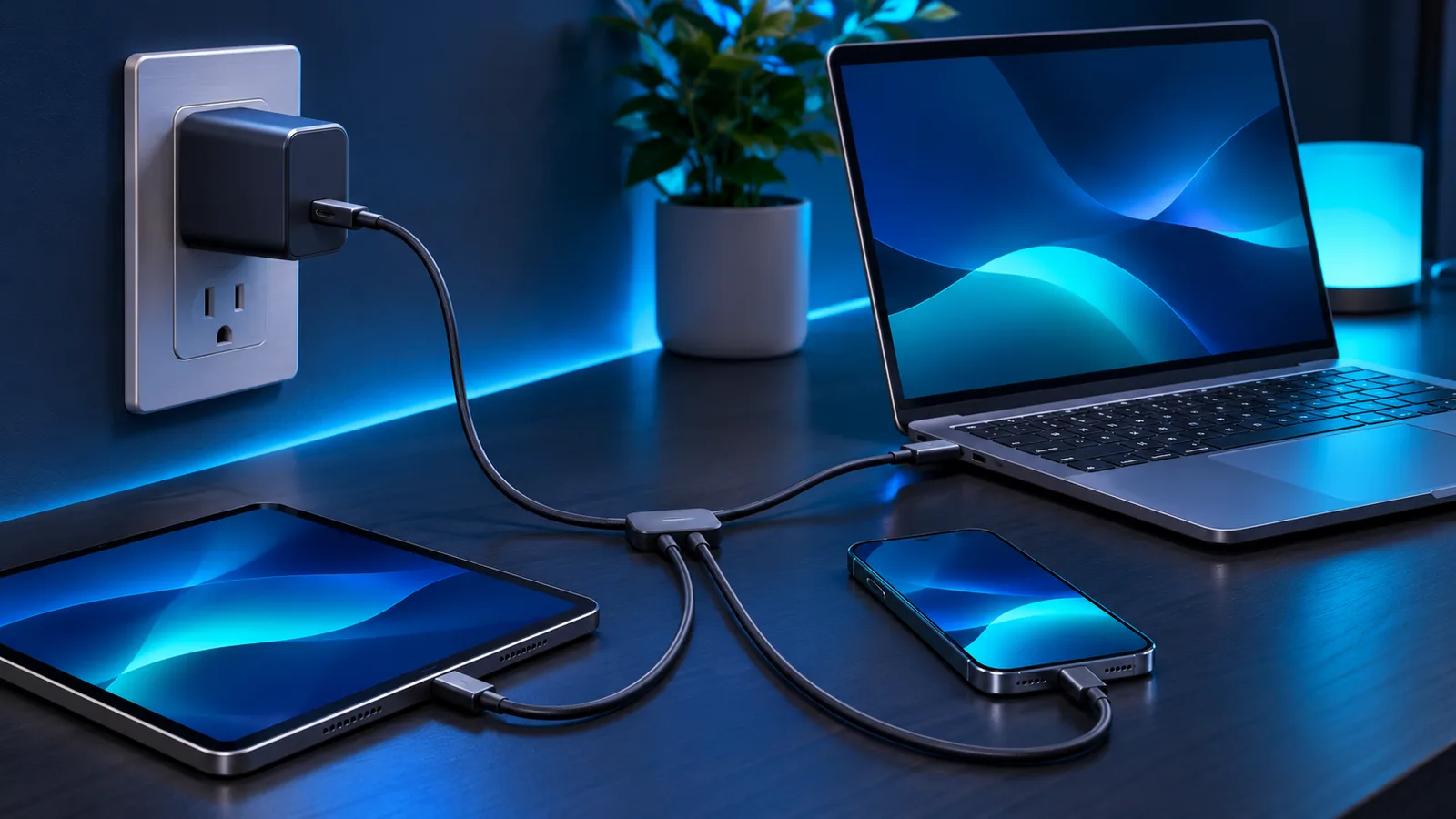
A GaN charger can deliver useful USB-C power from a much smaller body than many older silicon chargers. That makes GaN—short for gallium nitride—especially appealing when one adapter needs to cover a phone, tablet and laptop. Size is only part of the buying decision, however. Wattage, port sharing, cable capability and charging protocols determine whether a charger actually works well with your devices.
This guide explains the technology in practical terms. It also shows how to choose an appropriate wattage without assuming that the largest number on the box is automatically best.

What GaN changes inside a charger
Power adapters repeatedly switch and regulate electricity before delivering the low-voltage direct current used by electronics. Gallium nitride components can switch efficiently at high frequencies and tolerate demanding operating conditions. Designers can therefore reduce the size of some surrounding components and pack substantial output into a compact enclosure.
GaN does not make electricity behave differently at the USB-C connector. Your device still negotiates an allowed voltage and current with the charger. A well-designed conventional charger may outperform a poorly designed GaN model, so treat GaN as an enabling technology—not a guarantee of quality, compatibility or cool operation.
Choose wattage for the device, not the marketing
| Device type | Typical buying target | What to verify |
|---|---|---|
| Phone or earbuds | 20–30W | The phone’s fast-charge protocol and a suitable cable |
| Tablet or handheld console | 30–45W | USB Power Delivery support and device requirements |
| Thin-and-light laptop | 45–65W | Laptop input rating and USB-C charging support |
| Performance laptop | 65–100W or more | Whether USB-C can supply full performance and whether the cable is rated appropriately |
These are useful shopping ranges rather than universal requirements. The safest source is the device maker’s input specification. A device normally draws only the power it has negotiated, so connecting a 65W charger to a phone does not force 65W into it. The device, charger and cable must all support a compatible charging mode.
USB-C Power Delivery, PPS and proprietary charging
USB Power Delivery (USB-PD) is the broad standard used by many phones, tablets and laptops. Programmable Power Supply (PPS) lets compatible devices request smaller voltage adjustments during charging. Some manufacturers also use proprietary modes for their highest advertised speeds. A charger can be powerful enough on paper yet charge more slowly if it lacks the mode a particular phone expects.
Check the specifications for each port, not only the total printed wattage. On a multi-port charger, connecting a second device may redistribute power. A “65W” charger might provide its full output through one port when used alone, then divide that budget when two or three ports are occupied.
The cable matters as much as the charger
- Use a USB-C cable rated for the power level you intend to carry.
- For higher-power USB-C charging, look for the appropriate electronically marked cable.
- A USB-A-to-USB-C cable cannot provide every USB-PD mode available from USB-C to USB-C.
- Replace damaged, unusually hot or poorly fitting cables.
If a laptop reports slow charging, test the charger with a known-capable USB-C cable before blaming the adapter. For a deeper explanation of connectors, data rates and charging, see our USB-C cable and port guide.
Benefits and limitations
Why people choose GaN
The practical advantages are portability, a smaller power brick and the possibility of consolidating several adapters. A single well-matched charger can reduce travel clutter—useful alongside the other items in our digital-nomad accessory guide.
What GaN does not solve
A compact enclosure can still become warm, especially near maximum continuous load. GaN also does not guarantee the correct plugs, protections, certifications or protocol support. Avoid unbranded adapters with vague specifications, and leave enough ventilation around any charger in use.
Recommended product example
The linked Anker 65W GaN USB-C charger is one compact example to compare with your device’s required wattage and charging protocol. This is an informational example, not a claim that one model is the best choice for every laptop or phone. Confirm the current listing, included accessories and port configuration before ordering.
As an Amazon Associate, Block Tech Buzz earns from qualifying purchases.
A quick buying checklist
- Match the charger’s per-port output to your highest-demand device.
- Confirm USB-PD, PPS or any proprietary mode your device needs.
- Check how output changes when multiple ports are used.
- Pair it with a correctly rated cable.
- Prefer clear safety markings, warranty information and a reputable seller.
Frequently asked questions
Can a 65W GaN charger damage a phone?
A compliant phone and charger negotiate power; the phone should draw only an allowed amount. Compatibility and product quality still matter, so use reputable, standards-compliant equipment.
Will a 65W charger power every USB-C laptop?
No. Some laptops require more power, do not accept charging through every USB-C port, or reduce performance on a lower-wattage adapter. Check the laptop’s specifications.
Is GaN always cooler than silicon?
Not necessarily. Efficiency can reduce wasted energy, but temperature also depends on enclosure size, circuit design, ambient conditions and load.
Bottom line
Choose a GaN charger by the power and protocols your devices actually use. For many travelers, a reputable 65W USB-C model is a sensible middle ground for a phone, tablet and many thin laptops—but the per-port specification and cable rating matter more than the GaN label alone.
Leave a Reply