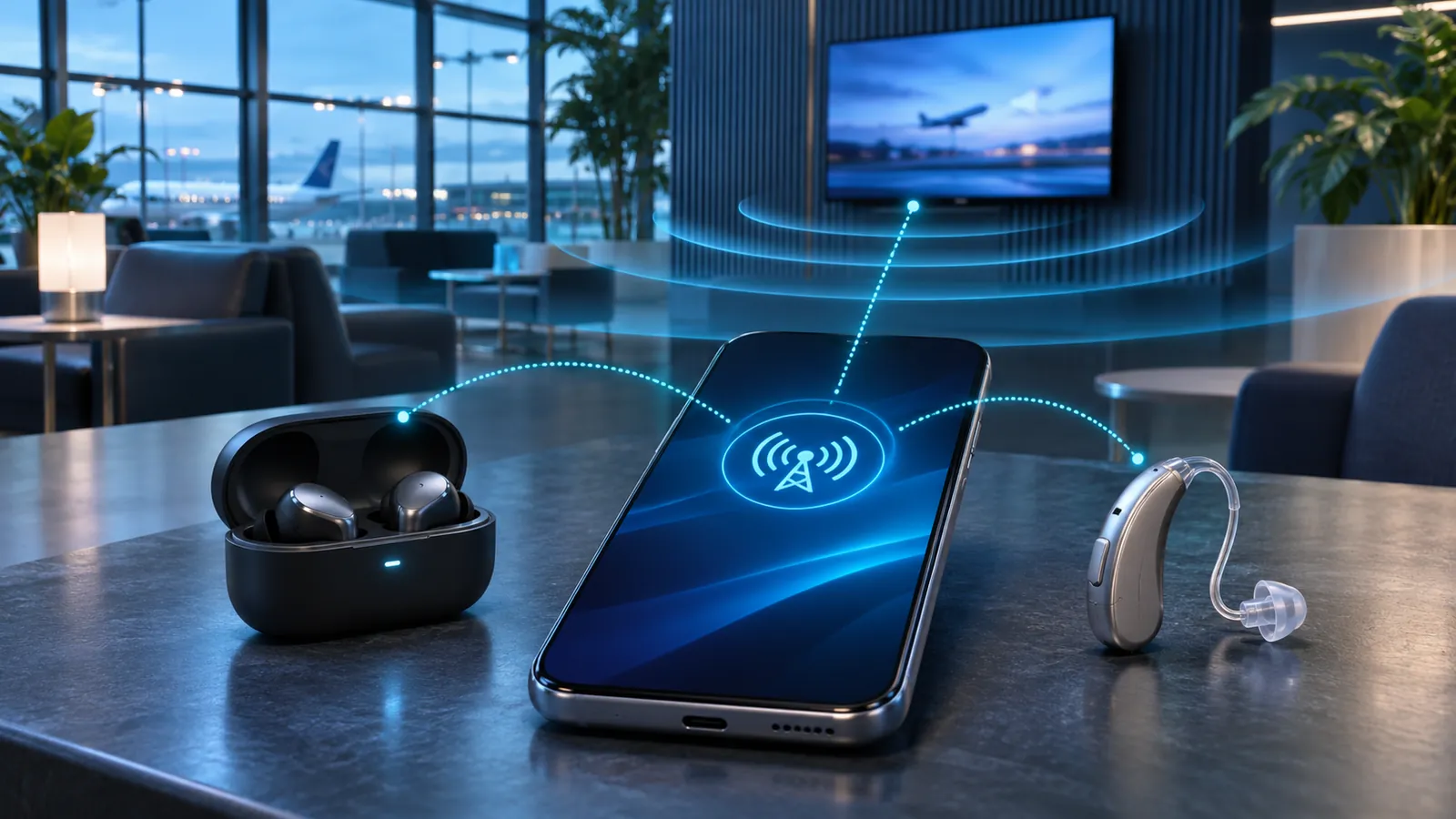
Bluetooth LE Audio is the biggest architectural change to Bluetooth sound in years. It moves audio onto the Bluetooth Low Energy radio, introduces the efficient LC3 codec, improves support for hearing devices, and adds Auracast broadcast audio. The result is not simply “Bluetooth that uses less battery.” It is a new foundation for how phones, televisions, earbuds, headphones, hearing aids, and public spaces can transmit and receive sound.
The transition is also easy to misunderstand. A device showing “Bluetooth 5.2” on its box is not automatically guaranteed to support LE Audio or Auracast. The phone, computer, television, operating system, and listening device must support the specific features required for the experience you want.
What is Bluetooth LE Audio?
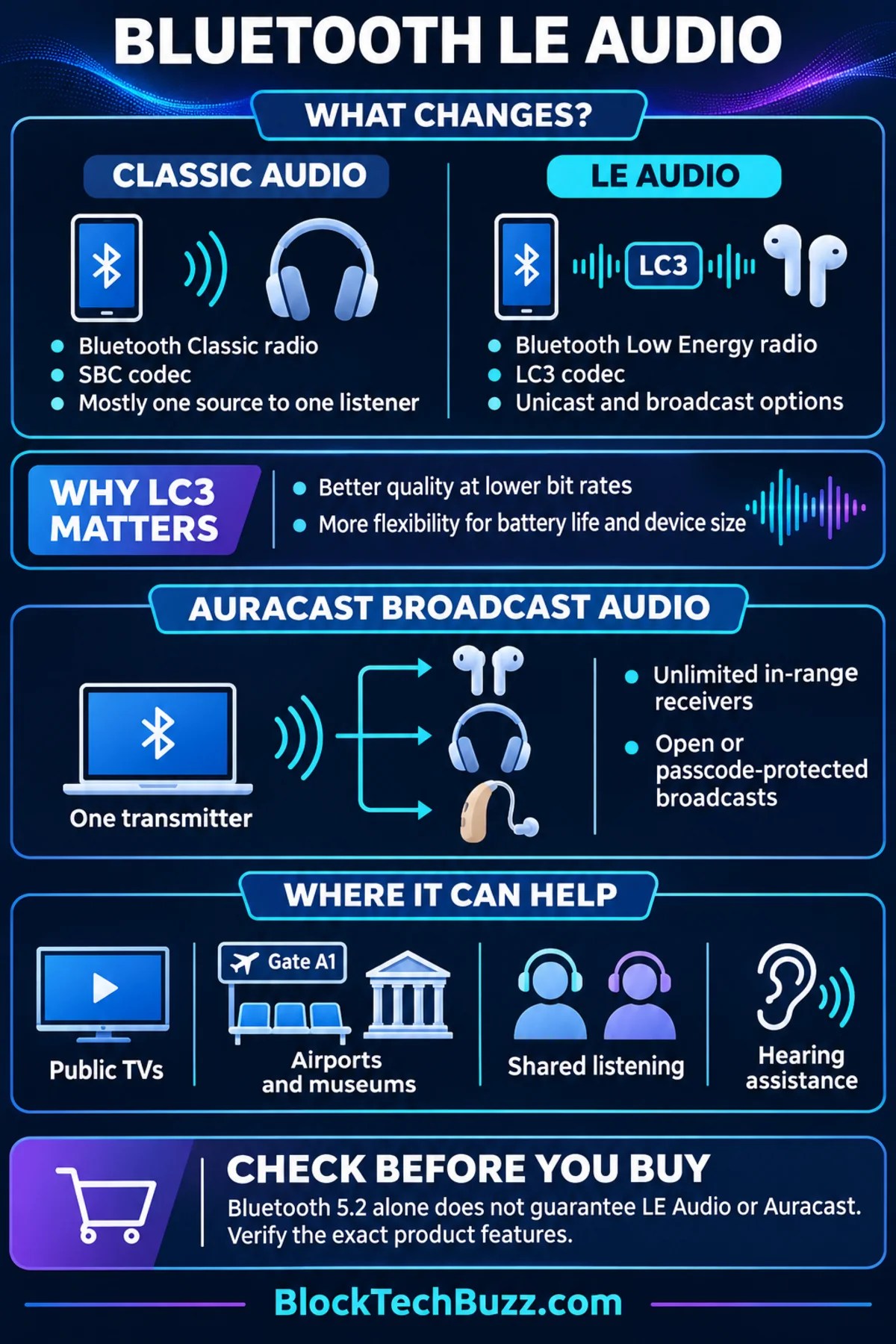
Traditional wireless music and calls generally use Bluetooth Classic Audio. Bluetooth LE Audio delivers audio over the Bluetooth Low Energy radio and uses a collection of profiles and services designed specifically for modern audio use cases. It can support familiar one-to-one listening, coordinated audio across multiple devices, broadcast audio, and hearing-access applications.
The Bluetooth Special Interest Group completed a family of specifications rather than releasing one single “LE Audio specification.” These include the Basic Audio Profile for stream management, the Telephony and Media Audio Profile for calls and media, the Hearing Access Profile for hearing devices, and the Public Broadcast Profile used by Auracast.
Bluetooth Classic Audio vs. LE Audio
| Feature | Classic Audio | LE Audio |
|---|---|---|
| Radio | Bluetooth Classic | Bluetooth Low Energy |
| Required base codec | SBC for common A2DP media audio | LC3 |
| Typical topology | Primarily point-to-point | Unicast and broadcast architectures |
| Public broadcast audio | Not part of the standard audio model | Supported through broadcast audio and Auracast configurations |
| Hearing-device support | Varies by platform and proprietary implementation | Standardized through the Hearing Access Profile |
| Compatibility | Mature and widely supported | Requires compatible hardware, software, profiles, and roles |
LE Audio does not immediately replace every Classic Audio connection. Many newer headphones and earbuds are dual-mode devices that retain Classic Audio for broad compatibility while adding some LE Audio capabilities. That approach matters while phones, computers, televisions, and operating systems are still adopting the newer profiles.
Why the LC3 codec matters
LC3 stands for Low Complexity Communications Codec. It is the required codec at the center of LE Audio. Bluetooth SIG describes it as a high-quality, low-power codec that gives developers more flexibility to balance sound quality, bit rate, battery life, and device size.
In controlled listening tests cited by Bluetooth SIG, LC3 delivered better perceived quality than the SBC codec even when LC3 operated at a substantially lower bit rate. That efficiency does not guarantee that every LC3 product will sound better than every Classic Audio product. Speaker drivers, microphones, amplifiers, tuning, radio conditions, software, and the chosen codec settings still affect the experience.
- For earbuds: manufacturers can trade codec efficiency for longer listening time or smaller batteries.
- For calls: LE Audio can support better-quality output while a headset microphone is active, when the full device chain implements the appropriate features.
- For hearing devices: lower-power operation and standardized profiles can make direct wireless audio more practical.
- For developers: flexible stream configurations make it easier to support different quality, latency, and power targets.
What is Auracast broadcast audio?
Auracast broadcast audio is a defined use of Bluetooth broadcast audio. Instead of forming a separate one-to-one connection with each listener, one transmitter sends an audio broadcast that any number of compatible receivers within range can join. Adding listeners does not create a new stream for each person, so the transmitter does not need more bandwidth as the audience grows.
A smartphone, smartwatch, hearing-aid remote, or another assistant device can help a listener find broadcasts and provide the information a receiver needs to join. The selection process is intended to feel more like choosing a nearby Wi-Fi network than pairing every listening device directly with a television or public-address system.
Practical Auracast examples
- Public televisions: listen to a muted television in an airport, gym, waiting room, restaurant, or hotel lobby.
- Shared listening: transmit the same audio to compatible earbuds or headphones used by several nearby people.
- Public venues: receive audio from a lecture hall, theater, museum exhibit, house of worship, conference room, or gate announcement.
- Multiple languages: a venue can identify separate audio streams so listeners can choose an available language.
- Hearing assistance: compatible hearing aids, earbuds, or headphones can receive a venue’s broadcast directly.
Broadcasts can be open or protected by a broadcast code. An open stream is appropriate for public information or entertainment, while a protected stream can limit access to people who receive the code. A protected broadcast should be used when privacy matters; merely reducing transmitter power is not a reliable privacy control.
Does Bluetooth 5.2 mean a device supports LE Audio?
No. Bluetooth Core Specification 5.2 introduced technical features required for LE Audio, including LE Isochronous Channels, but a Bluetooth version number alone does not tell you which audio profiles and product roles a manufacturer implemented. A phone may support LE Audio unicast but not act as an Auracast transmitter. Earbuds may support LC3 for one use case but lack Auracast reception. A television may need an external transmitter.
Software also matters. Android added built-in platform support for LE Audio in Android 13, but actual availability still depends on the phone hardware, manufacturer implementation, firmware, listening device, and regional software release. Similar qualification checks apply to computers, televisions, and other operating systems.
How to check compatibility before buying
- Look for the exact feature name. The specification sheet should explicitly say “Bluetooth LE Audio,” “LC3,” “Auracast transmitter,” or “Auracast receiver.” Bluetooth 5.2, 5.3, or 5.4 by itself is not enough.
- Identify each device’s role. Confirm whether the phone or television can transmit, whether the earbuds or hearing aid can receive, and whether an assistant device is required to select a broadcast.
- Check operating-system requirements. Review the minimum Android, Windows, or other platform version and the manufacturer’s list of supported models.
- Install current firmware. Some products gain or improve LE Audio features through updates, but never assume an update is promised unless the manufacturer states it.
- Verify feature combinations. LE Audio calling, unicast music, audio sharing, and Auracast are related but distinct capabilities.
- Check fallback behavior. Dual-mode support for Classic Audio can be valuable when connecting to older phones, computers, vehicles, and televisions.
The same label-checking discipline applies to other modern connection standards. Our USB-C cable and port guide explains why a connector shape does not guarantee charging speed, data rate, or video support. Our Wi-Fi 7 guide covers a similar issue: the full benefit appears only when the devices and network support compatible features.
Will LE Audio improve sound quality and battery life?
It can, but the standard creates opportunities rather than automatic results. LC3 gives manufacturers an efficient codec and adjustable operating points. One company may use that efficiency to extend battery life. Another may hold battery life steady while improving quality. A third may reduce product size. Real-world performance depends on how the product is engineered.
Buyers should still evaluate comfort, tuning, microphone performance, controls, durability, and measured battery life. Codec support is one part of a complete audio product. If you are comparing conventional portable speakers, start with our Bluetooth speaker buying guide; many speaker purchases still depend more on acoustics, battery capacity, weather resistance, and connectivity than on LE Audio alone.
Bluetooth LE Audio FAQs
Is LE Audio the same as Bluetooth Low Energy?
No. Bluetooth Low Energy has supported many low-power data uses for years. LE Audio is the Bluetooth audio architecture built to carry and control audio over the Low Energy radio using new profiles, services, and the LC3 codec.
Can old Bluetooth headphones receive Auracast?
Usually not. A receiver needs the required Bluetooth capabilities and software. Some existing products may be upgradeable, but that depends on their hardware and the manufacturer’s product plan. Check the exact model rather than assuming a firmware update will add support.
Does Auracast require internet access?
No. Auracast is a nearby Bluetooth audio broadcast. The original content source might use the internet, but receivers join the local broadcast rather than streaming a separate internet copy.
Can an unlimited number of people join?
Bluetooth SIG states that an unlimited number of in-range receivers can join one Auracast broadcast. Practical coverage still depends on transmitter power, antenna design, the radio environment, receiver performance, and the venue’s installation.
Can each listener set a different volume?
Yes. Each compatible receiver can control its own listening volume independently.
The bottom line
Bluetooth LE Audio is more than a battery-saving update. LC3 creates a more efficient audio foundation, the new profiles improve interoperability across modern use cases, and Auracast changes Bluetooth from a mostly personal connection into a practical broadcast system. Its most important benefits may be shared listening, public-space audio, and better access for people using hearing devices.
For now, compatibility is the deciding factor. Ignore the Bluetooth version number as a shortcut and verify the exact feature, role, operating-system requirement, and firmware status for every device in the chain.
Leave a Reply