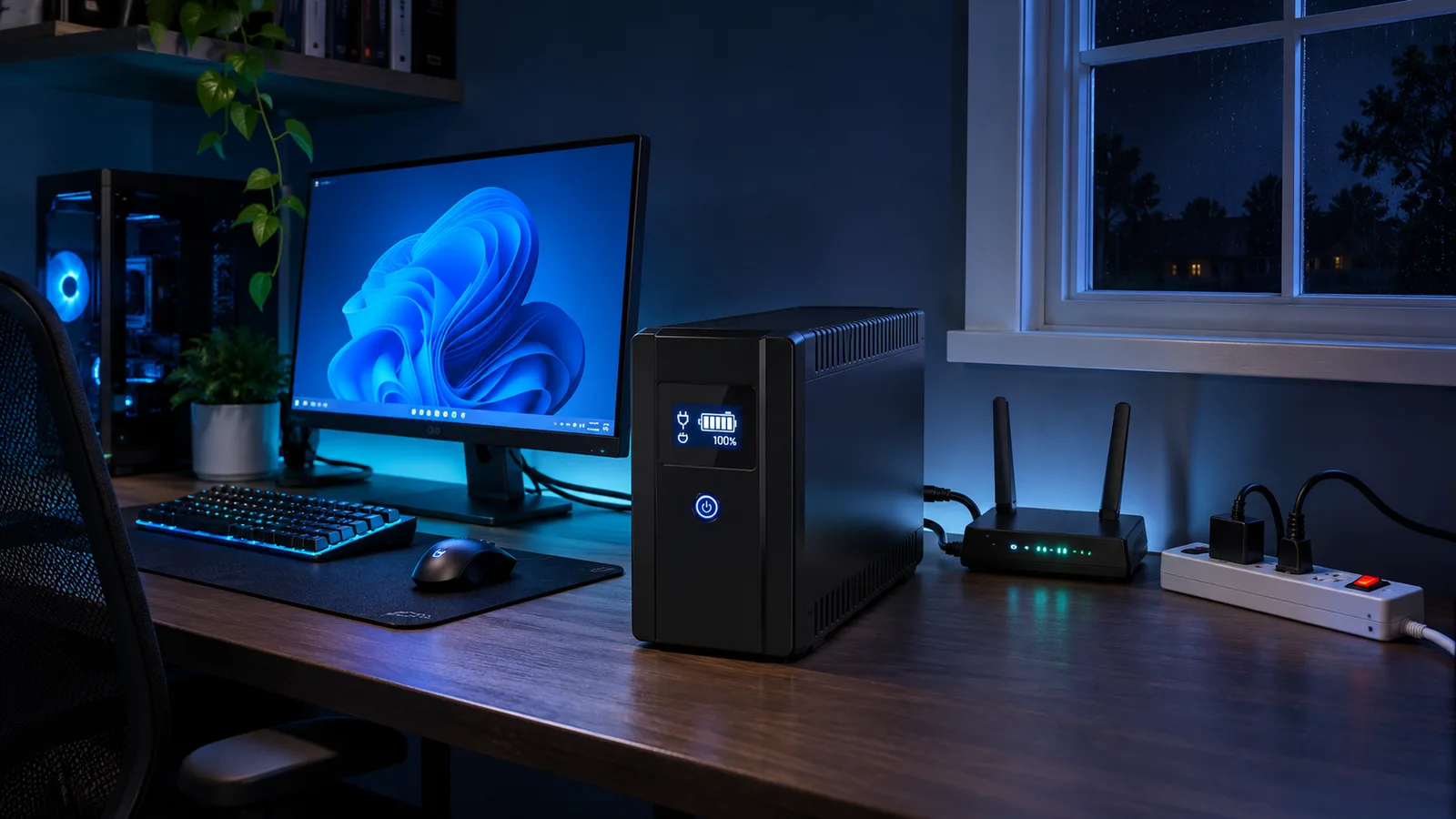
The UPS vs surge protector decision comes down to two different risks. A surge protector is intended to limit certain voltage spikes. An uninterruptible power supply adds a battery, giving connected equipment a short period of power when utility electricity drops or fails. A UPS commonly includes surge protection too, but the battery backup is its defining advantage.
For a desktop computer, network equipment or storage device, that brief runtime can be the difference between an orderly shutdown and an abrupt loss of power. It is not the same thing as running a home through a long outage.

What each device is designed to do
| Feature | Surge protector | UPS |
|---|---|---|
| Limits some transient spikes | Yes | Usually |
| Keeps devices on during an outage | No | Yes, for a limited time |
| Allows a safe computer shutdown | No | Yes, if sized correctly |
| Battery maintenance | None | Battery eventually needs replacement |
| Typical cost and size | Lower and smaller | Higher and larger |
Neither device promises protection from every electrical event. A direct lightning strike can exceed what plug-in equipment can handle, and whole-home protection and proper grounding address different parts of the risk. Also, the joule rating and protective components in a surge strip can degrade over time.
Why a desktop computer benefits from a UPS
A sudden outage can interrupt a system update, corrupt an open file or stop a storage write. A UPS provides time to save work and shut down. Many units can communicate with a computer over USB so shutdown software can act when the battery reaches a threshold.
This matters even more for a workstation or a system you assembled yourself. If you are planning one, our PC-building guide covers the core components; power protection is a sensible final layer around that investment.
How to size a UPS
Do not choose by the UPS model name alone. Compare both volt-amperes (VA) and the manufacturer’s watt limit with the real load. A desktop with a powerful graphics card can draw far more under gaming or rendering than it does at idle. Add the monitor only if you want to see the screen during shutdown, and consider keeping the modem and router online for short interruptions.
- Estimate or measure the watts used by the devices that will use battery-backed outlets.
- Keep the expected load comfortably below the UPS watt limit.
- Use the maker’s runtime chart at a similar load; runtime falls as load rises.
- Do not connect laser printers, heaters or other high-draw appliances unless the UPS maker expressly allows it.
- Leave surge-only outlets for devices that do not need battery runtime.
Standby, line-interactive and online UPS designs
Standby UPS
A standby unit normally passes utility power through and switches to battery when needed. It is often the budget choice for a basic home PC.
Line-interactive UPS
Line-interactive models can correct some high or low input voltage without switching to battery as often. They are a common fit for home offices and gaming systems.
Online UPS
An online or double-conversion UPS continually regenerates output power and is typically used for sensitive or critical equipment. It costs more and may use more energy, so it is rarely necessary for an ordinary home desktop.
Pure sine wave and active-PFC power supplies
Many modern computer power supplies use active power-factor correction. When shopping, check the UPS manufacturer’s compatibility guidance and output waveform. A pure-sine-wave battery output is the conservative choice for demanding PCs, though exact requirements depend on the power supply and UPS design.
Recommended product example
The linked CyberPower 1500VA-class UPS is an example to compare when protecting a desktop and networking equipment. Verify the current listing’s watt capacity, output waveform, outlet arrangement and runtime chart against your own measured load. This guide does not substitute for the manufacturer’s electrical limits.
As an Amazon Associate, Block Tech Buzz earns from qualifying purchases.
Maintenance and placement
A UPS battery is a consumable. Run the built-in self-test periodically, replace the battery when the unit reports reduced capacity, and recycle the old battery responsibly. Keep vents clear and do not place the UPS in a sealed cabinet or on a surface exposed to moisture.
If your goal is hours of backup rather than minutes for shutdown, a portable power station is a different category. Our power-station runtime guide explains why usable watt-hours and appliance load determine duration.
Frequently asked questions
Can I plug a UPS into a surge protector?
Follow the UPS manufacturer’s instructions. Many makers recommend plugging the UPS directly into a properly grounded wall outlet rather than daisy-chaining power strips.
How long will a UPS run my computer?
Runtime depends on battery capacity, age and the connected watt load. Use the manufacturer’s runtime chart at a load close to your own.
Does a UPS protect my internet connection?
It can keep a modem, router or optical network terminal powered if those devices are connected and the upstream provider remains operational.
Bottom line
A surge protector is appropriate for equipment that only needs spike protection. A correctly sized UPS is the stronger choice when a computer, storage device or network must stay on long enough to ride through a brief interruption or shut down safely.
Leave a Reply